
(no title)
nox101 | 1 year ago
This one : https://discussions.apple.com/content/attachment/949603040
White, plastic, 6 buttons (up, down, left, right, select, cancel). That's it. Worked great with Kodi on an Intel MacMini. Could easily do everything I needed to do.
Since then they first ruined it by changing it be a kind of metal that felt like chalk on my hands. It was horrible
https://cdsassets.apple.com/live/7WUAS350/images/apple-tv/ap...
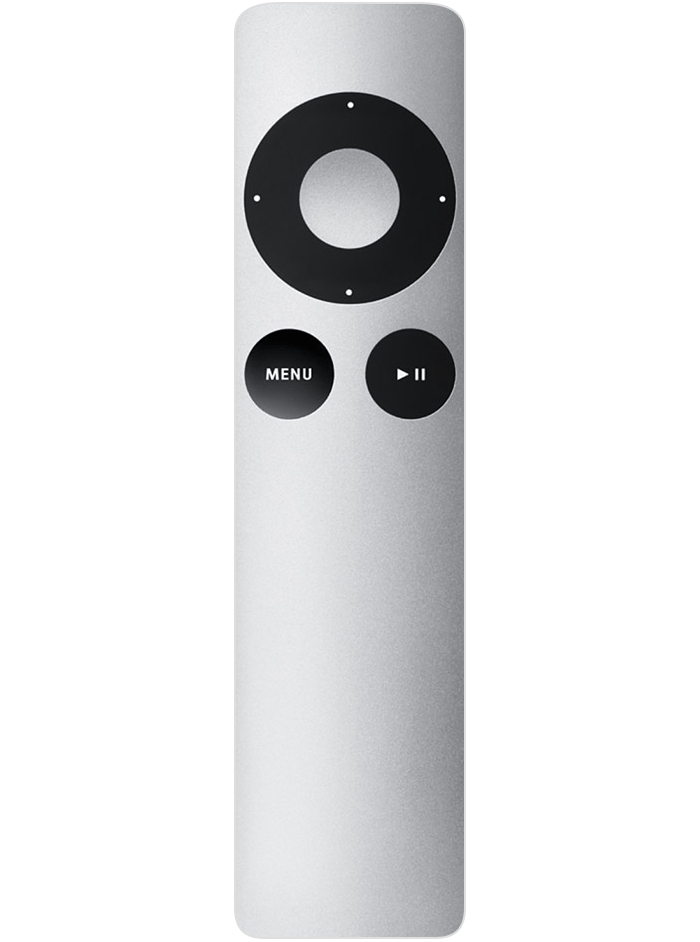
Then they broken it completely by making it larger with a touch surface.
https://cdsassets.apple.com/live/7WUAS350/images/apple-tv/ap...
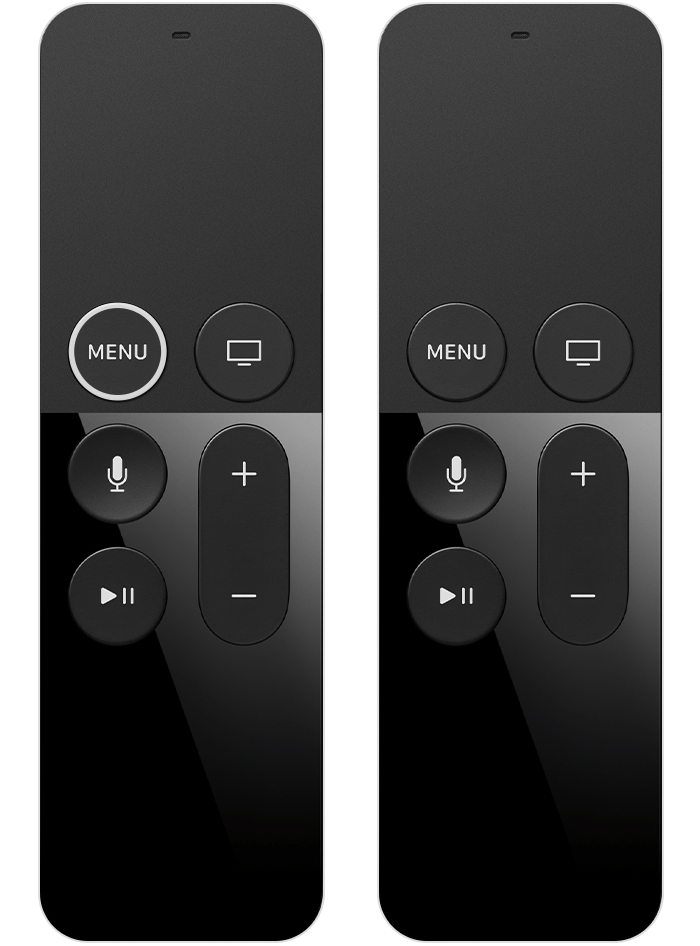
It was impossible to use because trying to select (clicking the touch surface) would always end up also adding left/right/up/down events so you'd always select something other than what you wanted to select. I have no idea how that POS ever made it out of user testing.
They made it slightly better but still broken by changing it back to a circle.
https://cdsassets.apple.com/live/7WUAS350/images/apple-tv/ap...
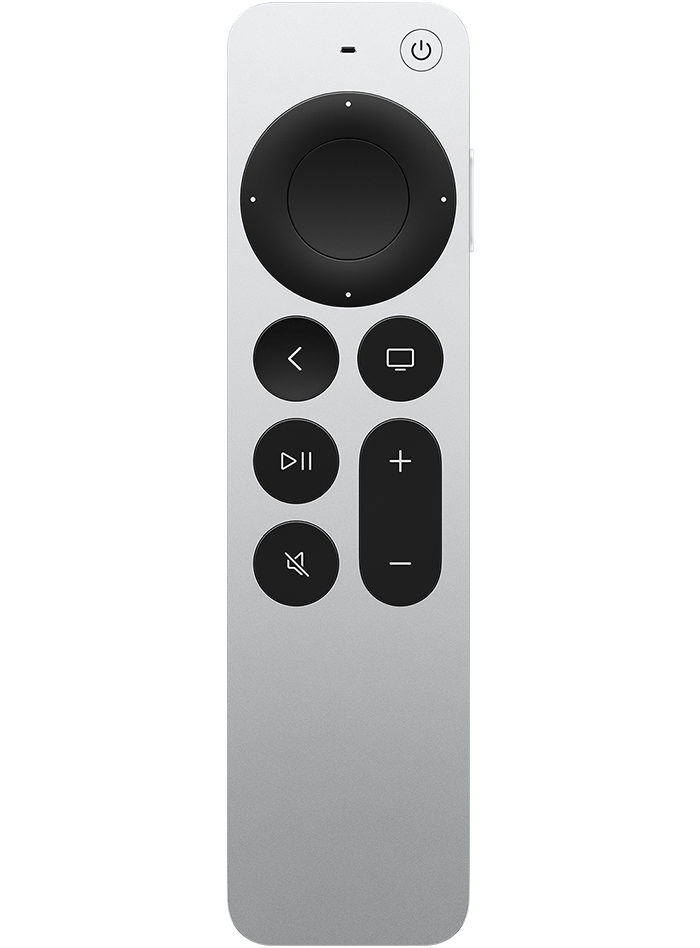
But the circle itself is still a touch surface and still always moves your selection as you try to select something. It's atrocious!
In any case, the 6 button remote back from the beginning was the best. I still use Kodi on an AppleTV now, but I use a separate remote and only use 6 buttons.
When something is playing, pressing the cetner button pauses, pressing again unpauses, pressing up/down adjusts the volume. Pressing back exits the movie, holding the center for 2 seconds brings up more detailed controls.
Kodi also has the best queing experience of any app. Pressing right skips forward 10 seconds, again within some threshhold, 30 second, then 1 min, 3 mins, then 10. I can get anywhere in a movie instantly.
Compare this to Netflix, or Apple TV+, or Crunchyroll, or Amazon, etc... They all suck. Generally left/right jumps +10 or +30 period. If you want to get to the end you're forced to hold right, wait for it to go into "fast forward mode", then press right for 2x, 4x, 8x, 16x, Then wait forever as it slowly goes through the movie. So bad.
qkeast|1 year ago