
top | item 44270251

(no title)

tfsh | 8 months ago

This looks really cool, I'd like to give it a go. The idea of taking a screenshot of the terminal and then parsing that to determine the true colour support is definitely novel, though perhaps so, because for me I can't get it to work. Are there any debug flags I can enable?

So far it was able to take the screenshot correctly (https://ibin.co/8kaRr8TIanv2.png), however the parsing of that fails with the non-descript "Palette parsing failed." error.
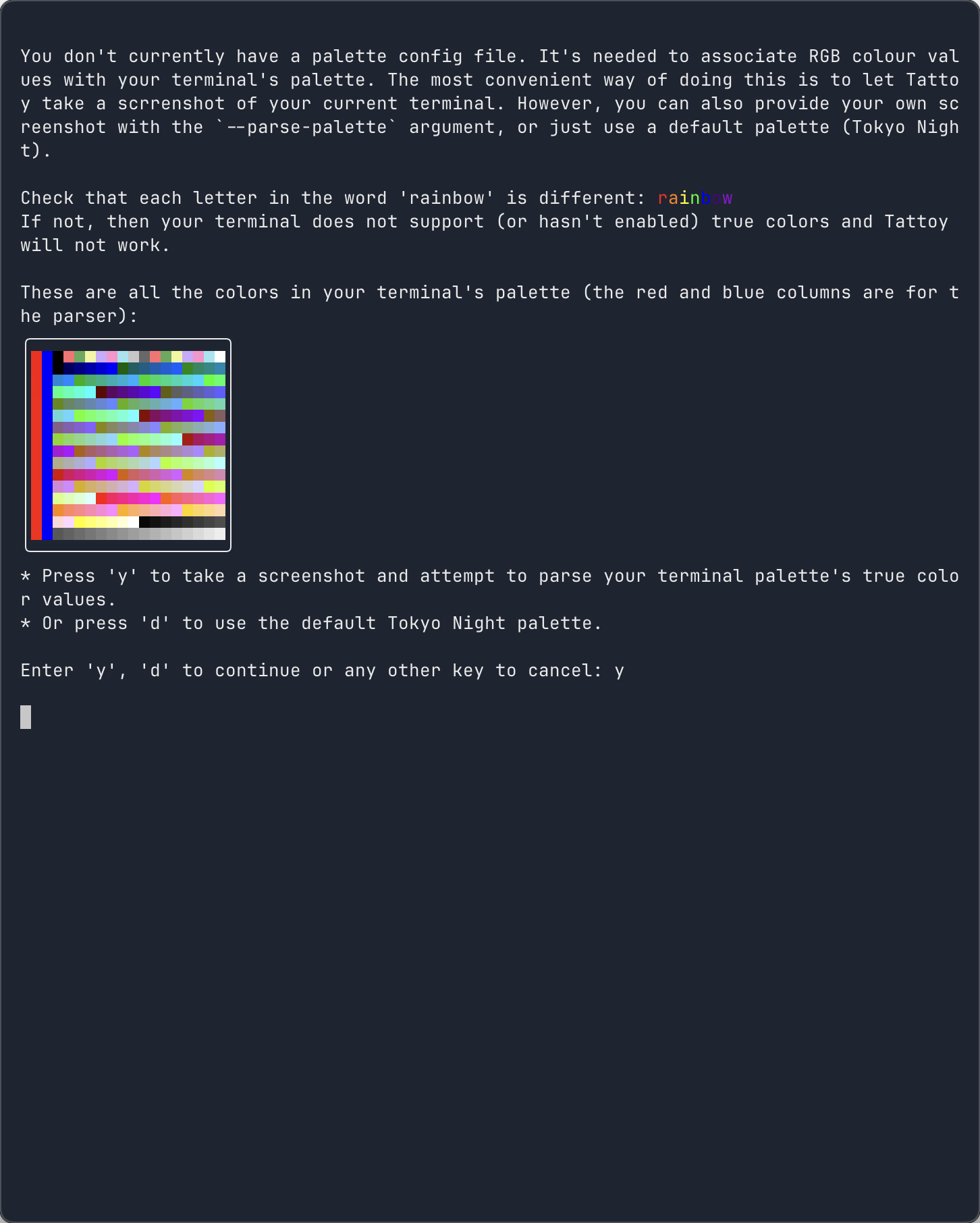
Edit: enabled tracing at got this: https://paste.ee/p/ZyNxG9FK

discuss

order

shiomiru|8 months ago

> The idea of taking a screenshot of the terminal and then parsing that to determine the true colour support is definitely novel,

A better way to do this is to send `OSC 1 0 ; ? ST` (query foreground color), `OSC 1 1 ; ? ST` (background color), then `OSC 4 ; {n} ; ? ST` where {n} is the nth XTerm color.

See: https://invisible-island.net/xterm/ctlseqs/ctlseqs.html#h4-O...

tombh|8 months ago

OMG really!? That link is blocked for me for some reason. If that OSC code is widely supported it's going to make things sooooo much easier.

tombh|8 months ago

Thanks for trying it out. It looks like either your terminal or screenshotter isn't faithfully rendering the pure red marker column (it's needed for calibration in the parser). The red should be #ff0000, but the screenshot is using #ea3323. I've made a Github issue to keep track https://github.com/tattoy-org/tattoy/issues/98 If you can add more details it'd really useful, I'm sure there'll be more people like you.

mkesper|8 months ago

Maybe that's night mode (or whatever your DE calls it)?