
(no title)
shawnz | 1 month ago
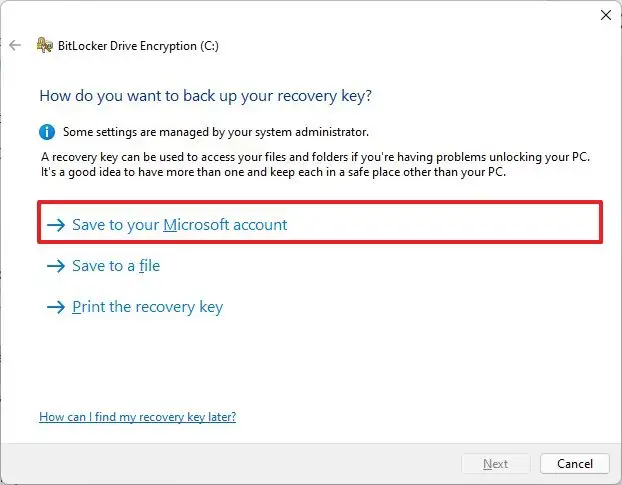
Admittedly, the risks of choosing this option are not clearly laid out, but the way you are framing it also isn't accurate
shawnz | 1 month ago
Admittedly, the risks of choosing this option are not clearly laid out, but the way you are framing it also isn't accurate
shakna|1 month ago
Whether you opt in, or not, if you connect your account to Microsoft, then they do have the ability fetch the bitlocker key, if the account is not local only. [0] Global Reader is builtin to everything +365.
[0] https://github.com/MicrosoftDocs/entra-docs/commit/2364d8da9...
crazygringo|1 month ago
The question is do they ever fetch and transmit it if you opt out?
The expected answer would be no. Has anyone shown otherwise? Because hypotheticals that they could are not useful.
jasomill|1 month ago
cyberax|1 month ago
This does not apply to standalone devices. MS doesn't have a magic way to reach into your laptop and pluck the keys.
smileybarry|1 month ago
vel0city|1 month ago
If you really don't trust Microsoft at all then don't use Windows.